

TLS is enabled by default for all Upstash Redis databases.
1
Create a new project
Create a new project with
bun init:terminal
2
Create an Upstash Redis database
Go to the Upstash dashboard and create a new Redis database. After completing the getting started guide, you’ll see your database page with connection information.The database page displays two connection methods: HTTP and TLS. For Bun’s Redis client, you need the TLS connection details; the URL starts with 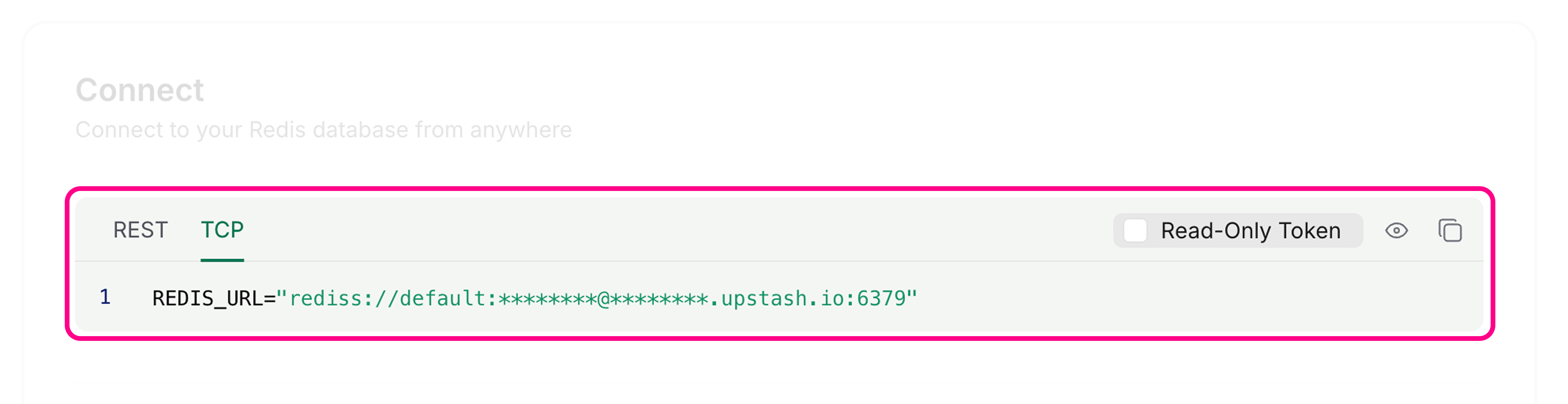
rediss://.3
Connect using Bun's Redis client
Set the Bun’s Redis client reads connection information from Alternatively, create a custom client with
REDIS_URL environment variable in your .env file using the Redis endpoint (not the REST URL):.env
REDIS_URL by default:index.ts

RedisClient:index.ts
4
Use the Redis client
Use the Redis client to read and write keys in your Upstash database:The Redis client handles connections automatically. You don’t need to connect or disconnect manually for basic operations.
index.ts